
Motion-sensor desk lamps: testing the response at a real desk
An automatic response is useful when it matches the way people arrive, work and leave.
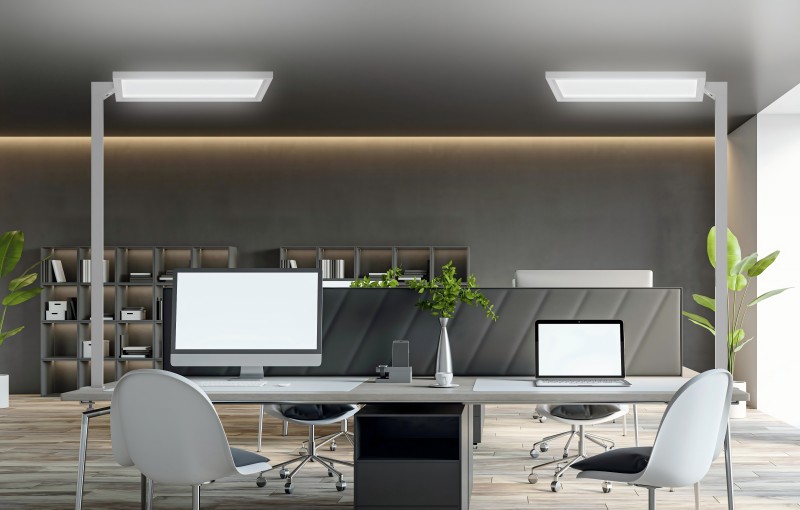
A sensor demonstration often begins with someone walking towards a lamp. A working day also includes reading quietly, turning to a second screen and stepping away for a few minutes. Reviewing all of these situations gives a buyer a more useful picture of the proposed sensor configuration.
1. Define the response you need
Write down how the lamp should behave when a user arrives and leaves. Should arrival switch it on automatically, or should the user switch it on while the sensor manages switching off? Ask which behaviour the offered version supports, rather than assuming that motion sensing means automatic switching in both directions.
Keep any daylight-response function separate in the brief. Presence detection and adjustment in response to surrounding light are different requirements. If both are offered, ask how they interact and what the user can change.
2. Check coverage with furniture in place
Set up the sample with the intended monitor, partitions and desk accessories. Ask the supplier to identify the sensor position and intended detection area. Check the response from the normal seat and from each approach to the workstation.
Include movement at the next desk and along the nearby aisle. Note whether a passer-by changes the lamp’s state when the workstation is empty. If sensitivity or coverage can be adjusted, record the setting and repeat the same checks after making a change.
3. Include a quiet working period
Use the desk for reading or another task with limited movement. Observe whether the lamp remains in the expected state, and record any unwanted changes. A quick wave in front of the sensor does not answer how the sample behaves during this part of the day.
Then leave the desk and measure the delay before the response occurs. Return during the delay and after it has ended. Agree which timing suits the workplace and confirm whether it is fixed or configurable for the model being ordered.
4. Test manual adjustment alongside sensing
Change the brightness manually while the sensor is active. Check whether the selected level is retained, replaced by an automatic setting or cleared after the desk is vacated. Ask how long an override lasts and how normal operation is restored.
Repeat the review after switching off and after a power interruption. A user should be able to understand the next action without guessing. For shared desks, check the starting state that the next occupant encounters.
5. Record the tested arrangement
Keep the sample identity, sensor settings, desk layout and observed delays with the approval record. If a monitor or partition later moves, the record shows which original conditions may need to be checked again. Include the supplier’s setup and care instructions in the handover.
Where energy performance is part of the brief, request data for the actual configuration and planned use. Do not attach a general saving percentage to the presence of a sensor. The immediate selection question is whether the response is reliable and appropriate for this workstation.
A useful enquiry checklist
Prepare these details before discussing the proposed configuration:
- Arrival, departure and manual-switching requirements
- Sensor position and representative desk layout
- Quiet-work and neighbouring-movement observations
- Configured delay and return-to-desk behaviour
- Manual override, memory and power-recovery checks
- Sample identity, settings and handover instructions
Approve the behaviour in context
Choose the configuration using the same desk situations that users will encounter. A documented response sequence gives the buyer and supplier something specific to check at delivery.